Portrait guides
How to Turn a Photo into an Oil-Style Painting
Turn a photo into an oil-style painting. Learn which photos to use, how to check likeness, and when to choose canvas, fine art paper or a digital file.
In this guide
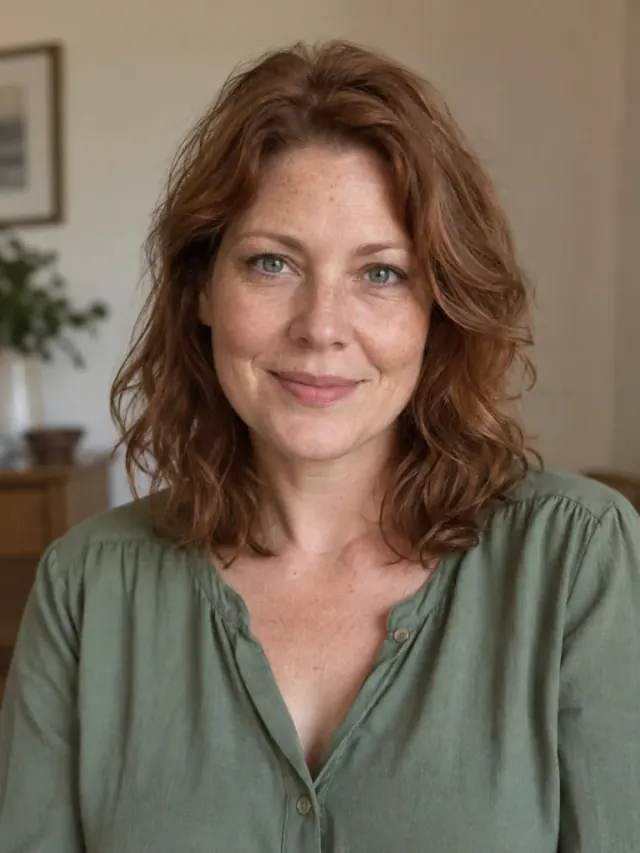
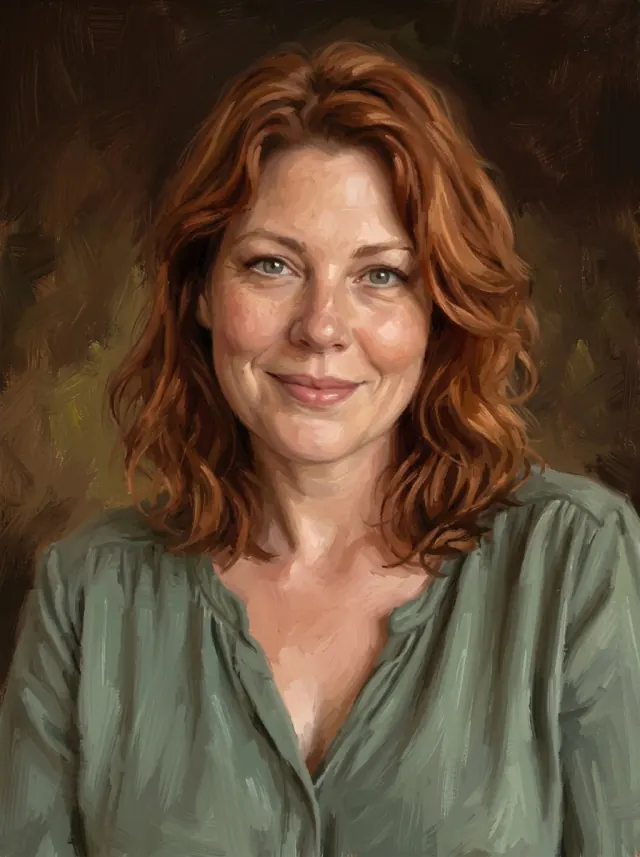
To turn a photo into an oil-style painting, choose a clear reference, select a style, review the preview and choose how to display it. At Amber Portraits, you can upload up to 3 photo files and try a free preview without a card or account. Order when the likeness and composition feel right.
Your portrait is created digitally in an oil-painting style. Choose a canvas print, a framed or unframed fine art paper print or a digital download. Physical products are printed reproductions of your chosen artwork.
What does “photo to oil painting” mean?
A photo can be the starting point for a painterly image, a printed artwork or an artist's hand-painted original. Check which of those products a service provides before comparing prices.
A photo effect changes the appearance of an existing image. Adobe's Oil Paint filter, for example, has settings for brush strokes and lighting. Amber Portraits uses your photographs as references for a new digital oil-style composition; poses, clothing, backgrounds and fine details may be interpreted according to the style. Our About page explains the service.
1. Choose references that show what matters
Choose a well-lit photo where the subject's familiar features are easy to see. Use the original file when available, and add another reference when it reveals a detail the first image hides.
For people, look for visible eyes and a familiar expression. If you’re working from a family album, see how to turn an old family photograph into a portrait and judge the likeness in the preview. For pets, check the face and distinctive coat markings. For a home, include the roofline, entrance and windows from the view you want remembered.
The upload limit is 3 files; a file may contain a group. Choose references that make each intended subject recognisable. For more specific preparation, see our guides to pet photographs, family portraits from separate photos and house photographs.
2. Choose a style for the scene you want
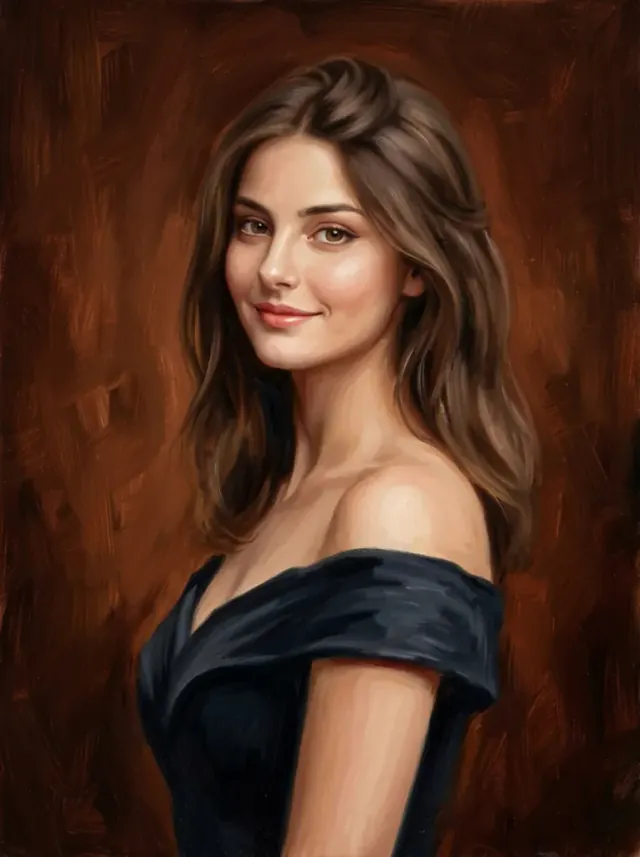
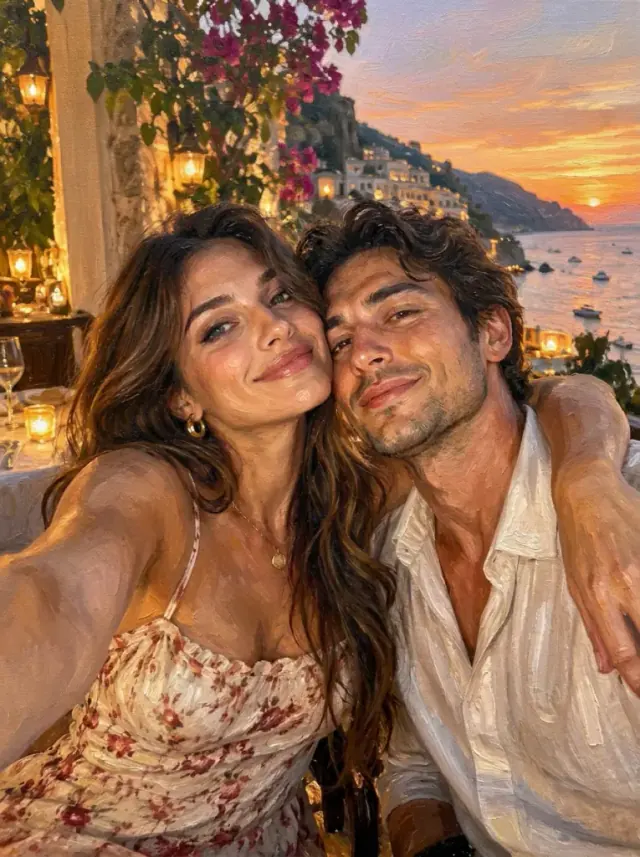
Choose the style by its composition and examples. Free Style works from a favourite scene; Fine Art creates a relaxed portrait; Evening Portrait reimagines people in eveningwear.
| Starting point | Style to explore | Composition |
|---|---|---|
| A favourite photo of people, pets, a place or an object | Free Style | Choose landscape 4:3 or portrait 3:4. |
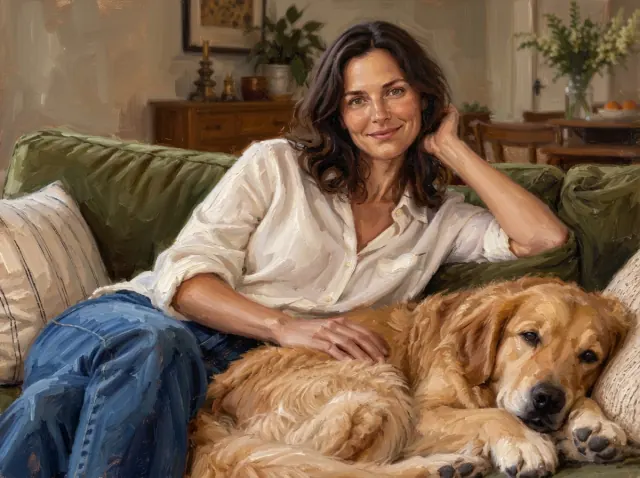
| A relaxed portrait or family group | Fine Art | Portrait composition; clothing, poses and backgrounds may change. |
| Formal eveningwear | Evening Portrait | Portrait composition with gowns, suits or tuxedos. |
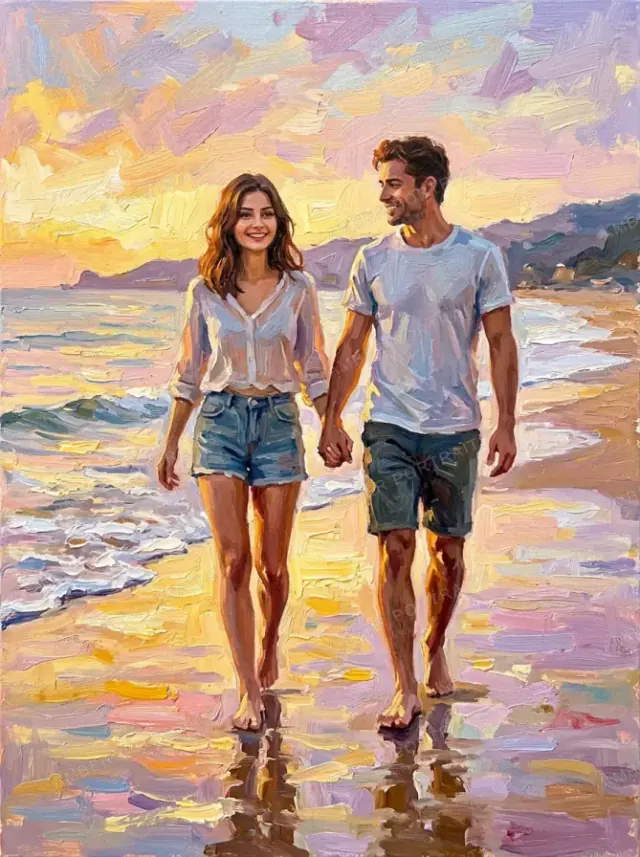
| A group walking by the sea | Sunset Walk | A new, full-length beach scene at sunset. |
| A dog, cat, horse or home | Explore the portrait styles | Dedicated animal styles or landscape Home Impressions artwork. |
3. Review the preview and request specific changes
Compare your preview with the references before paying. Look at each subject first, then the arrangement of the whole picture.
- Likeness: Check eyes, expression, hair, glasses, animal markings or familiar building features.
- Who is included: Make sure each intended person or pet appears once.
- Composition: Check relative sizes, spacing and the setting.
- Edges: Look for cut-off ears, hands, rooflines or other features you want included.
An oil-style portrait introduces artistic variation. Features hidden or heavily blurred in every reference cannot be reliably recovered, so inspect those areas closely.
After the first preview, select Edit portrait to describe a change. Name the detail to adjust and what to keep: “Make the background less detailed and keep the expression as it is.” Compare the next version with both the reference and the earlier preview.
Select your preferred version at checkout. The order uses that version. If you need a change after payment, contact us immediately; later preview edits do not update an existing order or stop printing.
4. Choose a print or digital file
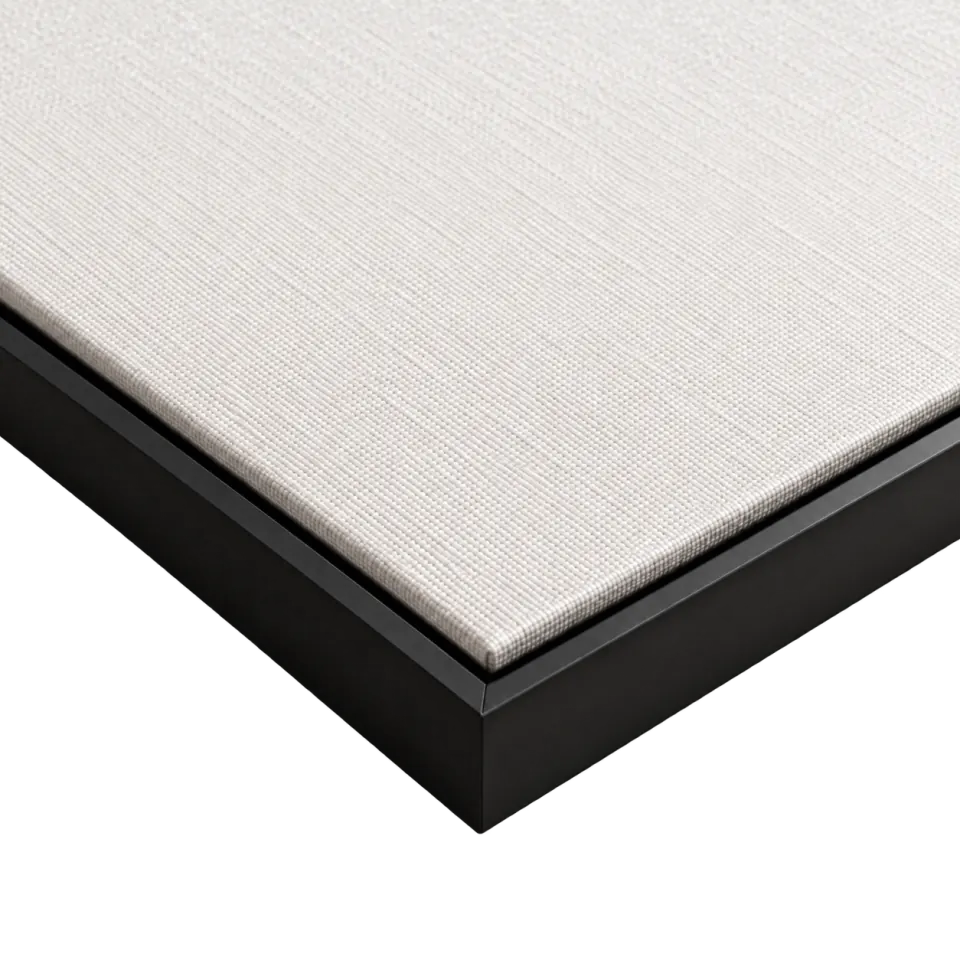
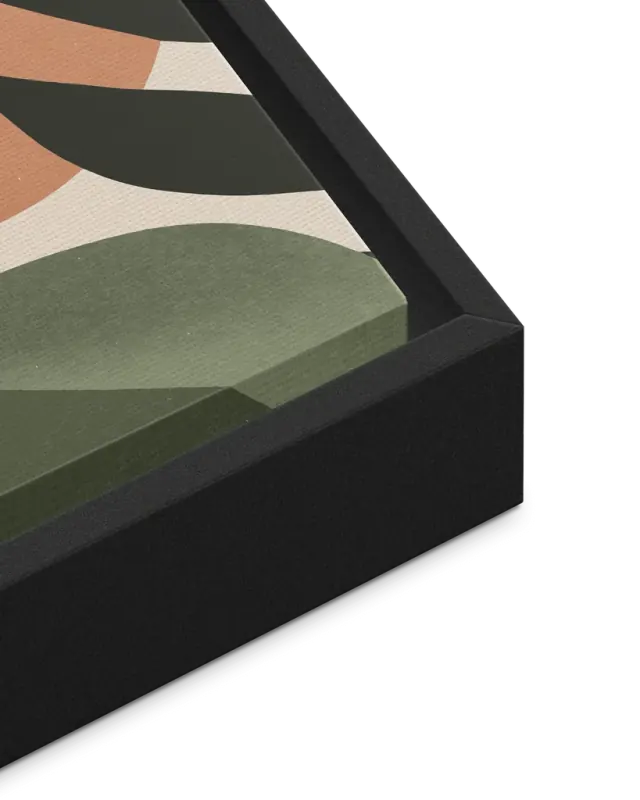
Choose canvas for a woven surface and depth on the wall, fine art paper for a smooth matte print with optional wood framing, or a digital download to arrange your own printing.
| Format | What you receive |
|---|---|
| Canvas print | Fabric stretched over an internal wooden support, with a hanging kit. An optional black, natural wood or dark wood outer frame is available. Digital artwork included. |
| Fine art paper print | Choose unframed paper or a ready-to-hang black, white, natural wood or dark wood frame with clear protective glazing and no mat. Digital artwork included. |
| Digital download | A high-resolution, watermark-free JPEG after preparation. No physical print or frame. |
Our canvas versus fine art paper guide compares surfaces, framing and display costs. Use the portrait print size guide to measure the wall, including room for an outer frame. Available sizes and prices depend on the delivery country; check the current product options.
If you plan to print the file elsewhere, check its actual pixel dimensions with your printer. Our digital portrait printing guide explains resolution, cropping and canvas edges.
5. Know what happens after payment
We prepare the high-resolution artwork after payment and email you when the file is ready to download from your order page. Digital-only purchases provide a watermark-free JPEG of at least 30 megapixels. Physical orders include a high-resolution, watermark-free JPEG of the purchased artwork; see the file and format details.
High-resolution preparation can change fine details. Your chosen preview is the artwork you approve before checkout, and our team checks physical orders before printing. If the finished file or print is materially different from the artwork you approved, contact us with your order reference so we can investigate and arrange an appropriate remedy under our refund policy.
Your preview shows estimated delivery dates for the United States, Canada, the United Kingdom and Australia. For other destinations, check your order page after purchase. See shipping and delivery.
What happens to the photos you upload?
Your photos are used to provide the portrait service and fulfil your order through the providers described in our Privacy policy. They are not used for public galleries, marketing or model training. Keep direct photo and preview links private: anyone with one of those links can view the image.
Start with a photo you would like to keep on the wall
Choose a clear reference, review the details that matter and select your favourite one before ordering.
Create a free preview in Free Style, or explore all portrait styles to choose the setting you want.