Photo preparation
How to Choose the Best Photo for a Pet Portrait
Choose a pet portrait reference with clear eyes, familiar expression and visible markings. Practical photo tips for dogs, cats, horses and older photographs.
In this guide
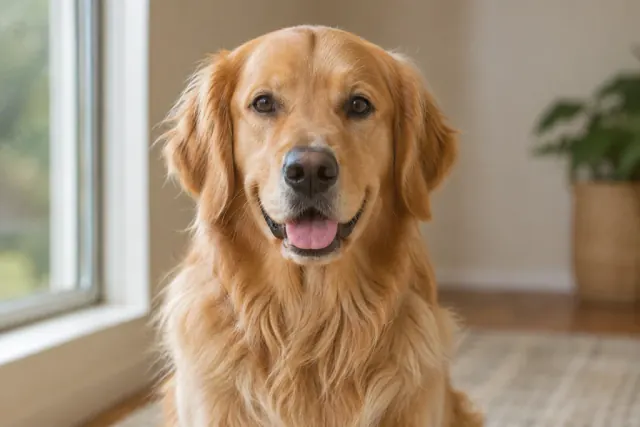
The best photo for a pet portrait shows clear eyes, a familiar expression and distinctive markings in even light. Choose the image that makes your particular pet easy to recognise. A phone photograph can be a useful reference when those details are visible.
At Amber Portraits, you can upload up to 3 photo files, including group photos, and review a free preview before ordering. An extra reference is useful when it shows a detail missing from your main photograph. The photo guidance on our Canine Portrait, Feline Portrait and Equine Portrait pages explains what to include for each style.
Which photograph should you choose from your camera roll?
Choose the photograph where the features you care about are easiest to see, then check that you like the expression. A beautiful setting is less useful as a facial reference if your pet is tiny, blurred or turned away.
Open each candidate at a larger size and compare these details:
| Check | A useful reference shows | When another photo helps |
|---|---|---|
| Eyes and expression | The eye shape, gaze and expression you associate with your pet. | Motion blur, reflections or shadow hide the eyes. |
| Face and muzzle | A clear outline of the nose, mouth and ears. | A toy, hand, lead or another animal covers an important feature. |
| Coat and markings | The colours and patches that distinguish this animal. | Strong filters or lighting make a patch hard to identify. |
| Pose and framing | The head and any body details you want included. | Ears, paws or the tail are cut off and you want them in the portrait. |
Keep the original file when you have it. A screenshot of a small social-media image may hide detail that remains visible in the original. Enlarging the screenshot on your screen does not reveal information that was never captured.
How should you take a new reference photo?
Start with a calm moment, even daylight and a view near your pet's eye level. Check the face in the image before ending the session; a lively expression is useful only if it is sharp enough to see.
Sony's pet photography guidance recommends photographing at eye level and focusing on the animal's eyes. You can use those principles when choosing a phone photo, even without the camera features described in the guide.
Try a spot beside a window or in open shade where the face is clearly visible. Avoid placing a bright window directly behind your pet if it turns the face into a silhouette. Take several pictures and choose the sharpest one with the expression you prefer.
A front or gentle three-quarter view can show the eyes and muzzle clearly. If an overhead photograph is the pose you love, you can use it as a reference, but check whether it makes the head and body look different from the view you want painted.
What works for black fur, white fur and distinctive markings?
Choose lighting that separates the eyes, muzzle and coat from one another. For dark fur, check that the face has visible detail; for white fur, check that bright areas still show the outline and texture you want to preserve.
You do not need to make a black dog look grey or a white cat look darker. If a photo hides the features, choose a different lighting situation or add a clearer reference. Heavy brightening and colour filters can make it harder to judge the animal's actual colouring.
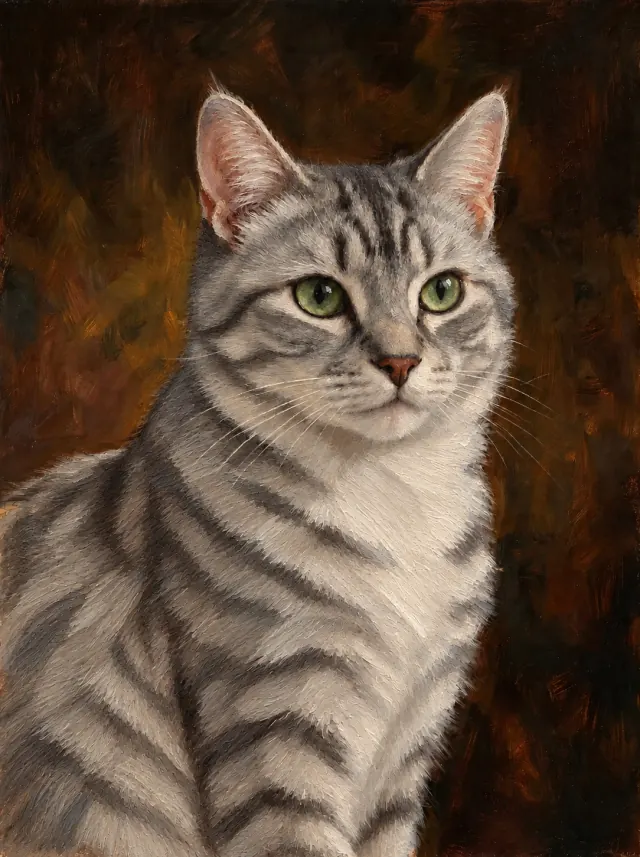
For patchy coats, compare both sides of the face and any visible chest marking. A close-up that shows the eyes may omit the white patch you want included. Use another photograph to clarify that patch, and mention it when reviewing the portrait.
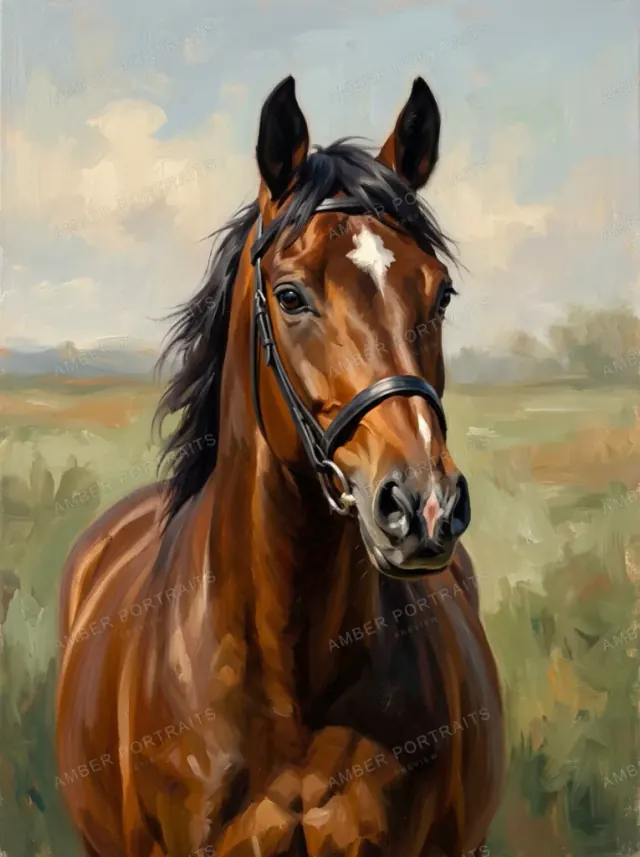
For a horse portrait, include the head, ears and muzzle from a useful angle, with the forehead marking visible. If a bridle or mane hides a feature, another view of the same horse may help clarify it.
Can you use an old or slightly blurry photo?
Yes, an older photograph may be usable when the important features remain visible. Blur is a separate question: if the eyes or markings are unclear, judge the free preview carefully before deciding whether to order.
Use the clearest original you have. For a printed photograph, make a straight-on copy in even light and avoid glare over the face. If you have other photographs of the same pet, use them to clarify details rather than uploading several copies of the same blurred image.
A portrait cannot reliably restore features that none of the references show. For a pet memorial portrait, start with the photographs you already have and take time to check the result. A new photo session may not be possible, and the decision to order should come after that review.
Do several pets need to be in the same photograph?
No. Amber Portraits' pet styles accept photographs together or separately, with up to 3 files per portrait. A file can contain more than one animal; choose references that make each animal recognisable.
For a group of dogs, use Canine Portrait; for cats, use Feline Portrait. For a mixed group of people and pets, Free Style is a starting point. Our guide to portraits from separate photos explains how to prepare references and describe who belongs in the composition.
When reviewing a group preview, look at each animal individually. Check which markings belong to which pet, their relative sizes and whether every intended animal is present.
What should you check in the portrait preview?
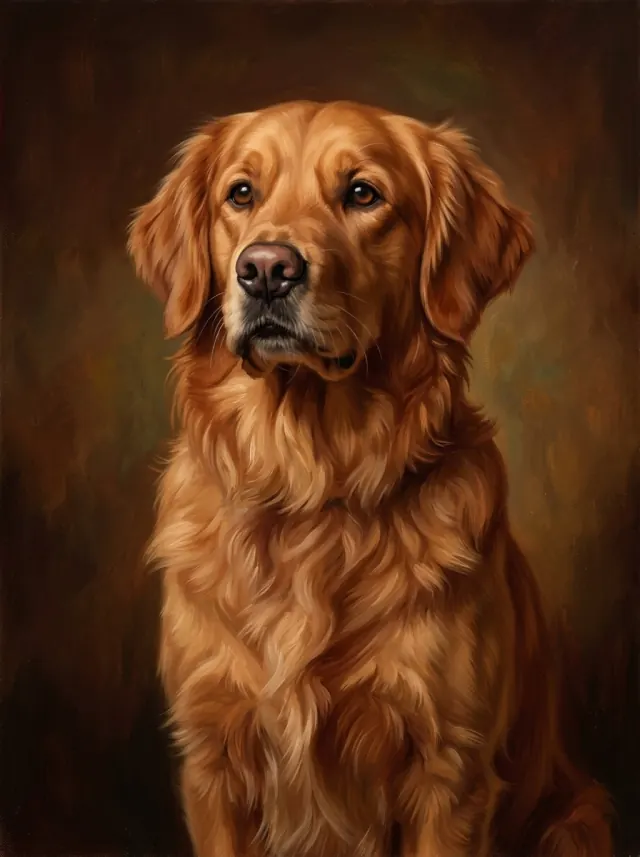
Compare the preview with your reference before choosing a print size or frame. Start with the features that make the pet feel familiar, then look at the overall composition.
- Face: Check the eye shape, muzzle, ears and expression.
- Markings: Compare coat colours and the position of distinctive patches.
- Composition: Check the pose, space around the head and the animals included.
- Details you asked to keep: Look for a collar, forehead marking or other visible feature that matters to you.
After the first preview, use Edit portrait to describe a specific correction. For example: “Keep the white chest patch visible, and leave the expression as it is.” Compare the revised version with your references, then select the artwork you prefer before paying. Choose the paper, canvas or frame once the features feel familiar.
Start with the clearest view of your companion
Choose your main reference and add another only when it supplies useful information. Preview in Canine Portrait, Feline Portrait or Equine Portrait, then review the features before ordering.
For the complete process, see our photo-to-oil-style-painting guide. Once you like the artwork, compare canvas and fine art paper for the way you want to display it.