Custom Portrait From Multiple Photos
Bring everyone together in a family portrait from different photos.
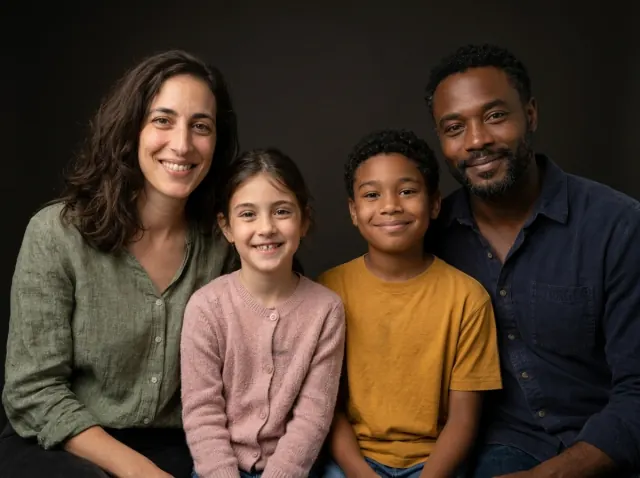
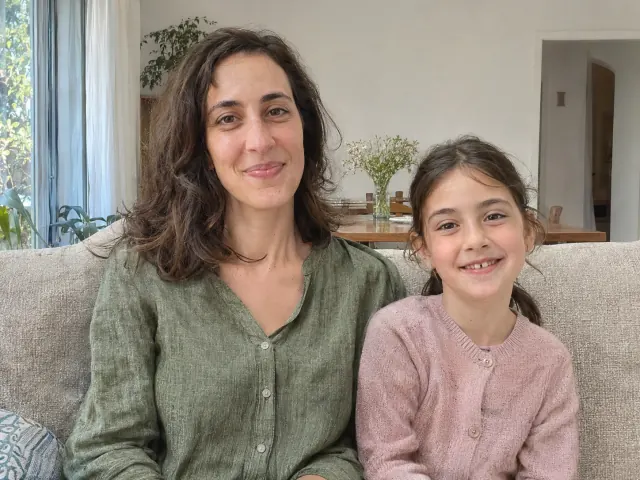
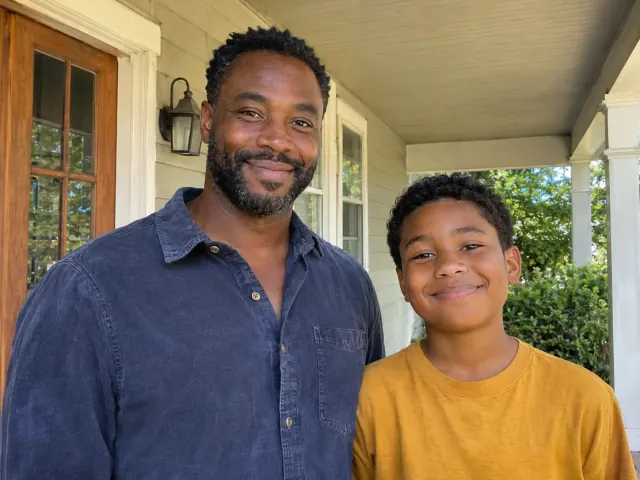
2 photos become 1 family portrait
Studio examples with a fictional family.
Preview free, Up to 10 photos. No account or credit card required.
Your preview is usually ready about one minute after upload. Some take longer.
See canvas sizes & pricesHOW IT WORKS
From different photos to one family portrait.
01
Choose a style and add your photos
Compare the three styles before adding 1–10 individual or group photos. Choose a background for your family portrait.
02
See your free preview
Your preview is usually ready about one minute after upload. Some take longer. Check every face, ask for changes and compare versions.
03
Choose how to keep it
Order your favourite version on canvas, fine art paper or as a digital download. Choose a size and optional frame before checkout.
A Family Portrait From Different Photos
Bring together different generations, a wedding guest you miss or family photographed in different places. These oil-style demonstrations were created from the fictional reference photos shown.
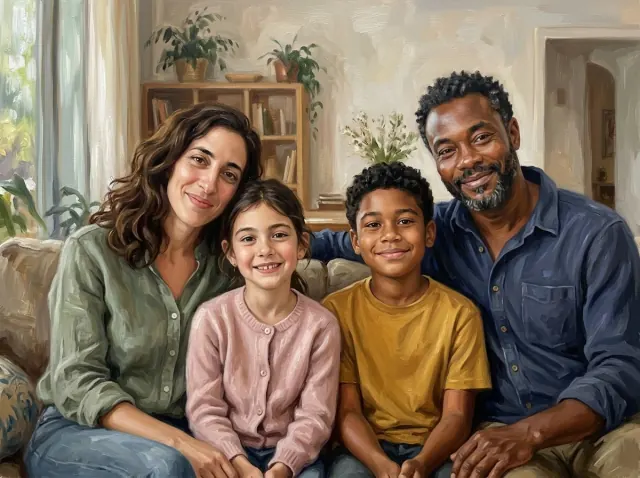
2 reference photos · 4 people
Two photos. One family.
Parents and children photographed in different places share a relaxed composition.
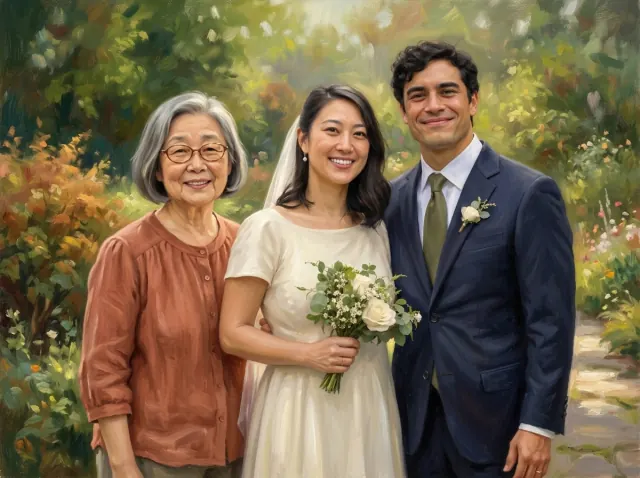
2 reference photos · 3 people
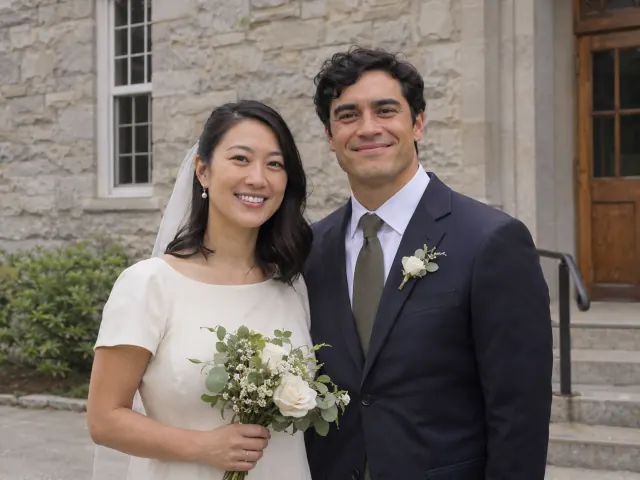
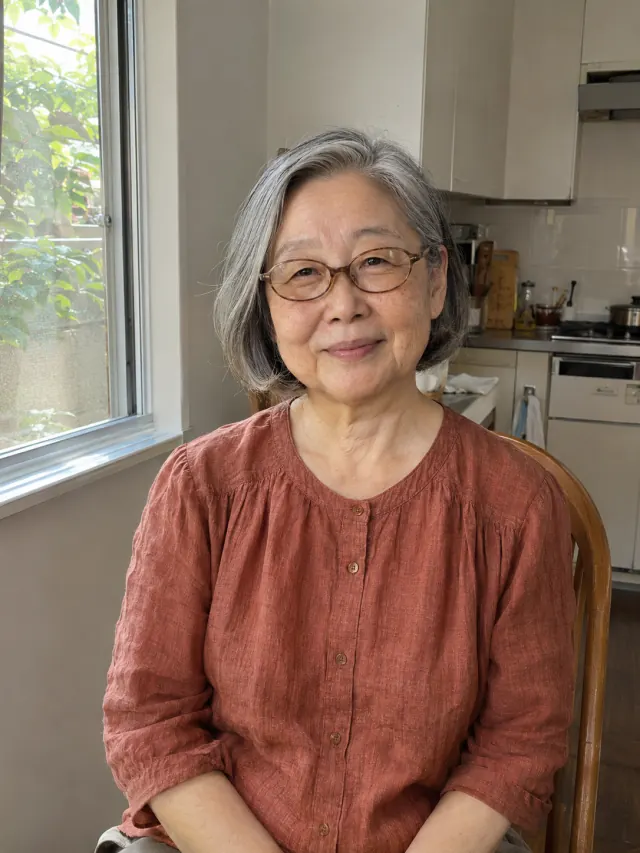
A wedding keepsake with Grandma
A wedding reference and a separate grandparent photo guide a new painted scene.
Choose your Studio Photo background.
Four plain studio backdrops, with soft portrait lighting. Compare the colours, then choose a background for your own family portrait.
See your own preview, then use Edit to describe any changes you would like.
Picture it in your home
Turn photos into a canvas painting.
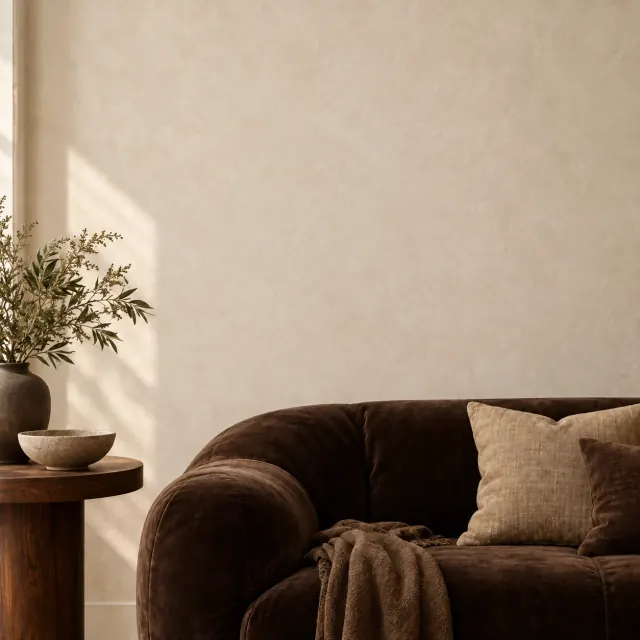
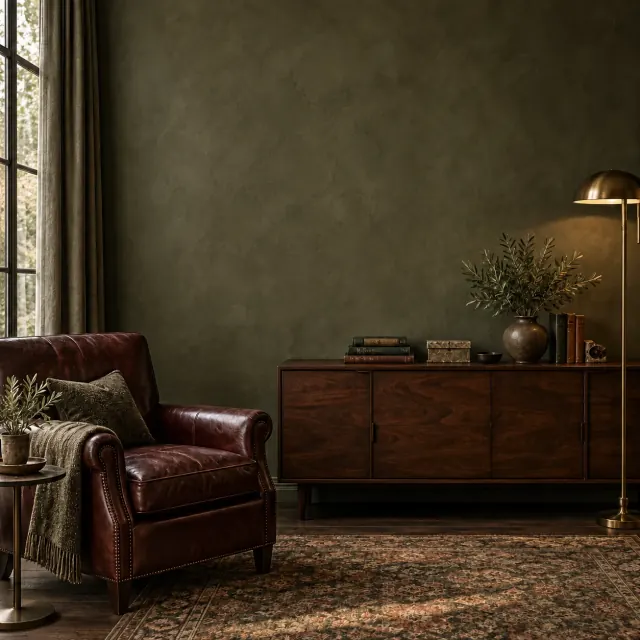
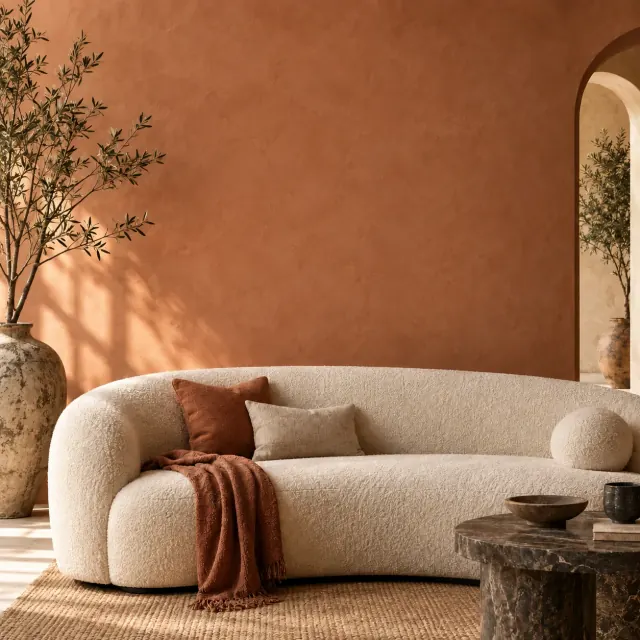
Explore three rooms
Illustrative framed room mockups. Not shown to scale. Frames are optional.
Compare formats and delivery-country prices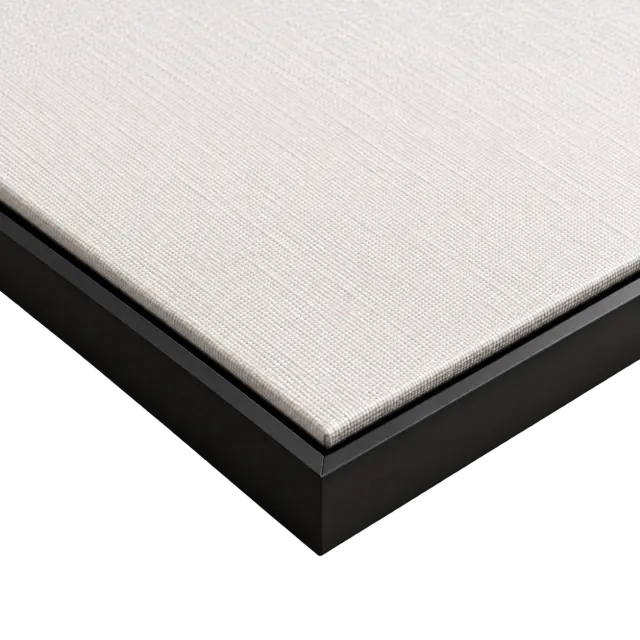
A CLOSER LOOK
Beautiful down to the details.
From the texture of the canvas to the finishing touches of the frame, every detail brings your portrait to life.
- Texture you can see
- Printed on textured canvas, with a natural woven surface that complements your chosen portrait.
- Artwork around every edge
- Your portrait wraps around the sides of the canvas for a beautifully finished look, even without a frame.
- Optional real wood frames
- Choose black, natural wood or dark wood for a timeless finish that beautifully complements your portrait.
Read about materials, printing and care. Compare sizes and formats.
Amber’s limited lifetime warranty covers fading, peeling and warping during normal indoor use, subject to the terms. Fine art paper is available framed or unframed.
Made to be treasured.Beautifully finished.
Photo tips
Bring your family into one portrait.
Clear, well-lit photos work best. You can upload up to 10 photos to help us capture the details that matter.
Not sure which photo to use? Choose your family reference photos
Only order when you love it.
FAQ
Your family portrait questions
From your free preview to delivery,
here’s what to expect.
Our team responds to emails within one business day.
Yes. Add 1–10 individual photos, family groups or extra views of the same person. We bring the people and pets into a new shared scene. Check that everyone appears once and that each face looks familiar in your preview.
See tips for choosing your photosCompare Oil Painting and Watercolor using the same family in the style selector. Oil Painting has richer colour and visible brushwork. Watercolor uses softer, transparent washes. Choose Studio Photo for a photographic portrait with coordinated light and a shared background.
Compare the three stylesYes. Choose Oil Painting or Watercolor, add your photos and review your free preview. When you are happy with a version, order it on canvas and choose a size and optional wood frame. We create the portrait digitally and print your chosen version on canvas.
Compare canvas sizes and pricesYes. One clear individual or group photo is enough to start. Add extra photos when you need to include someone else or show another view of the same person.
You can create and review a preview without an account or credit card. Preview and editing limits apply. Canvas, fine art paper and digital downloads are paid. Choose the version and format you want before checkout.
See formats and pricesYes. Open Edit on your preview to choose a background, change the style or describe a change to a face, clothing or the group arrangement. Each completed edit becomes a new version. Compare versions and choose which one to order.
A little help with your family portrait
Choose the right photos
Clear faces, useful references and what to check in your preview.
Remembering a loved one
Bring a treasured older photograph into a family keepsake.
A portrait for grandparents
Bring different generations into a personal gift.
Need to add someone to a photo?
Compare photographic editing with a new painted portrait.
Bring your favourite people together.
Choose your style and photos. See your own portrait before deciding how to keep it.
Choose My PhotosNo account or credit card required. Prints and digital downloads are paid.